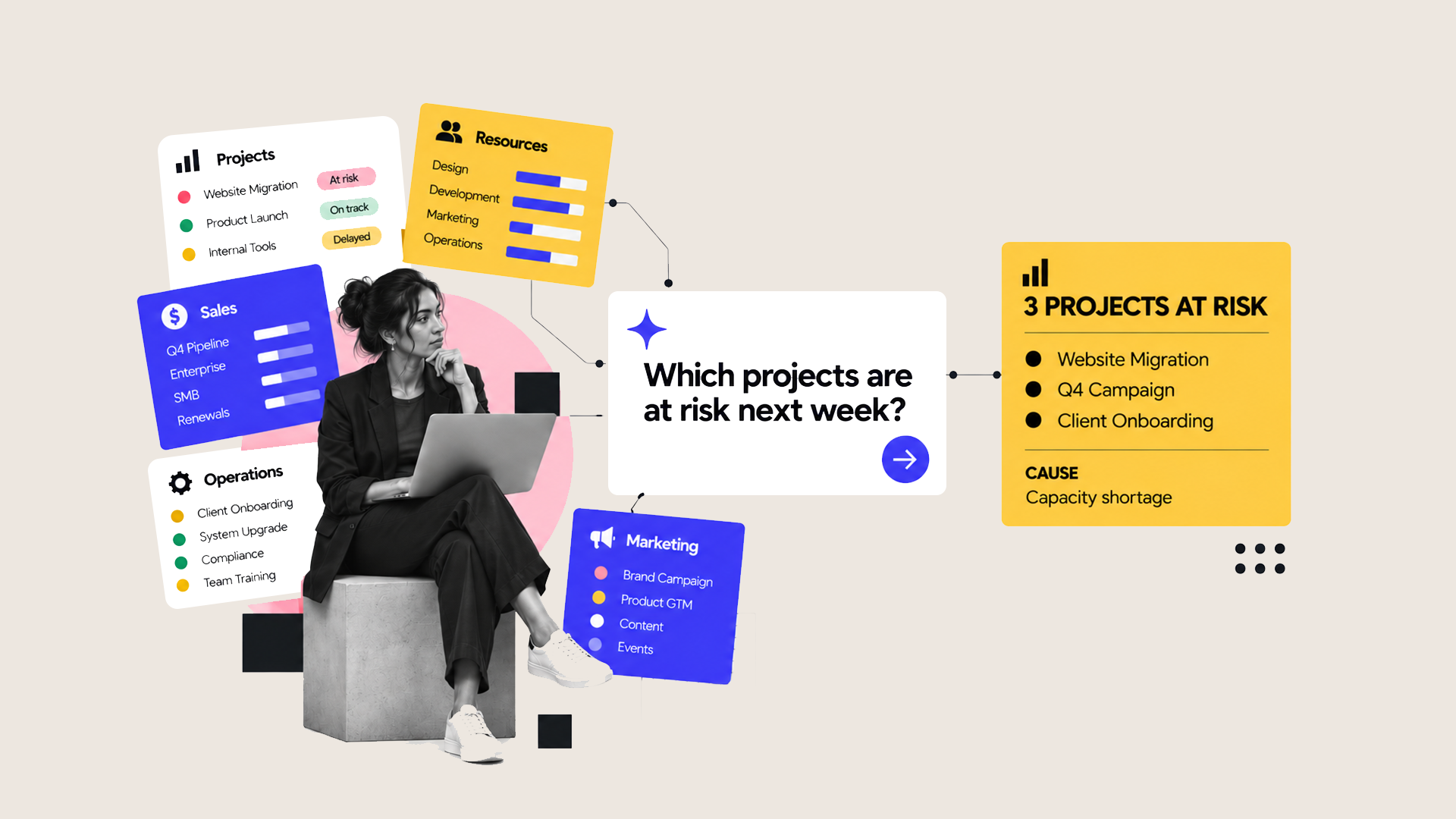
If you already use monday. com, there is a good chance Sidekick is sitting inside your account and you’re still wondering what it does.
Sidekick is monday. com’s built-in AI assistant. It works with the information already in your monday.com workspace, so you can type requests like ‘show me overdue projects’ or ‘build a client onboarding board’ and Sidekick can act on them.
That makes it useful for much more than drafting text or summarising a document.
So, what is monday Sidekick?Think of Sidekick as an AI assistant that already understands the work happening in your monday. com.
It can work with your boards, items, docs, owners, dates and statuses. It can also connect with tools including Gmail, Google Calendar and Slack, depending on how your account is set up. It works within the permissions you already have in monday. com.
You interact with it by asking for what you need.
For example:
- “Show me everything overdue this week.”
- “Summarise the main blockers across these projects.”
- “Build an onboarding board with these stages.”
- “Create a dashboard showing project status and workload.”
- “Update these items and notify the owners.”
Sidekick can answer the question and, where appropriate, make changes to the work itself. monday. com says it can create and update tasks and timelines, analyse data, notify teammates, build workflows, automations, dashboards and forms, and generate project plans.
Why is that useful?Most teams already have plenty of information in monday. com.
The problem is getting to it quickly.
You might have 40 active projects and want to know which ones are falling behind. You could open each board, check the dates, review the latest updates and build your own list.
Or you could ask Sidekick.
The same applies when you are setting up work. Instead of creating every column, status, group and automation manually, you can describe the process you want and use Sidekick to get the first version in place.
That can take a lot of the admin out of monday.com.
The important bit is contextThis is where Sidekick becomes more useful than asking a general AI tool a question about your business.
A standalone AI tool only knows the information you give it.
Sidekick can work with the information already sitting inside your monday. com environment and connected tools. That means it can answer questions about your projects, customers and workloads using the data your team is already working with.
Of course, that also means the quality of your setup matters.
If your project dates are wrong, ownership is missing or people rarely update their boards, Sidekick is working with the same bad information you are.
We see the best results when AI sits on top of a monday.com setup that already has good structure behind it.
Where could you start?You don’t need to redesign anything. Start with something you already spend time doing manually.
Ask Sidekick to summarise overdue work before your weekly project meeting. Get it to find blockers across several projects. Use it to build the first version of a new board. Ask it to pull together the information you normally spend 20 minutes searching for.
Once you have seen where it saves time, you can start looking at bigger workflows.
Want to see Sidekick working live?We are running a free 45-minute session on Thursday, 17 September where we will show monday Sidekick live in action.
We will cover where it fits, what it can read and change, and practical examples including a status sweep, client onboarding, finding blockers and building a board. You can also send us your own scenario when you register and we will try to build it live during the session.
Interested in using Sidekick in your business?If you are already using monday. com and want to understand how Sidekick could save your team time, get in touch with us.